Minio Configuration
This guide describes how to configure age off for a S3/Minio deployment.
Setting up port forwarding
If Minio is running on Kubernetes, you may need to port forward the service if you cannot access the Minio console (Web GUI).
- Locate the appropriate Minio deployment. For this example, Minio is running in the
infra-qanamespace
❯ kubectl get services -n infra-qa
NAME                                  TYPE        CLUSTER-IP     EXTERNAL-IP   PORT(S)                                        AGE
azul-opensearch                       ClusterIP   10.100.0.143   <none>        9200/TCP,9300/TCP,9600/TCP,9650/TCP            26d
s3-store-minio-backup                 ClusterIP   10.100.0.105   <none>        9000/TCP,9001/TCP                              40d
- In the service list see
s3-store-minio-backup, it exposes two ports:9000/TCP,9001/TCP. - 9001 is the WebUI port.
- Note: In other environments, the service may be named differently. Such as
minio-al.
-
Port forward it, e.g.
kubectl -n infra-qa port-forward services/s3-store-minio-backup 9001:9001 -
You may need to use VSCode or a similar tool to proxy the Port forwarding to your Desktop
-
Navigate to http://localhost:9001/ in your browser. A login page similar to the following should be displayed:
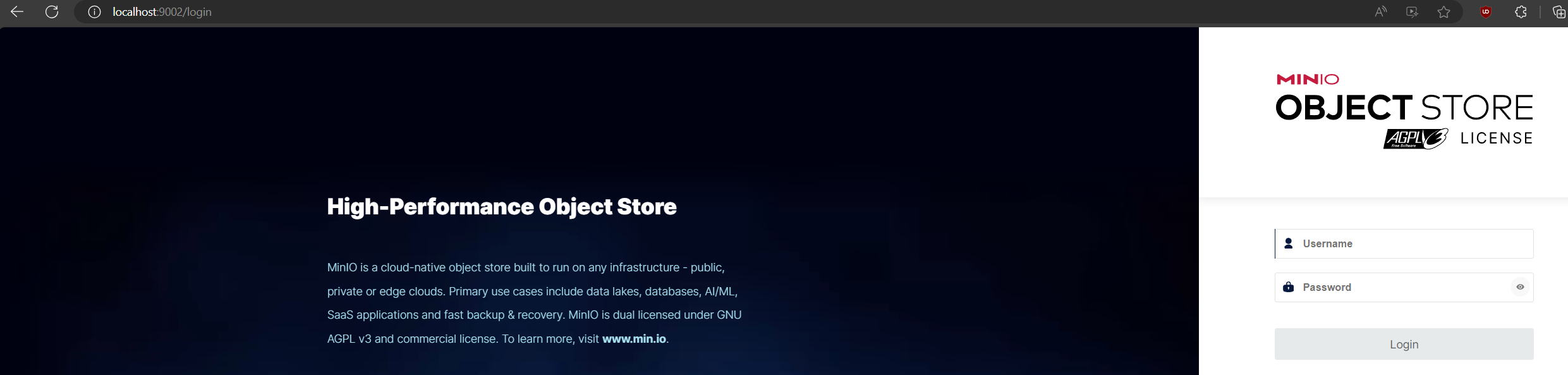
Login to Minio
-
Acquire credentials for Minio from the secret.
kubectl get secret s3-backup-keys -o jsonpath='{.data}' -n infra-qa | base64 --decode -
The above command will produce output with the username and password in Base64 encoding.
-
Use the following command to decode the username and password:
echo 'aW...' | base64 --decode
Configure age off
-
Navigate to the appropriate bucket
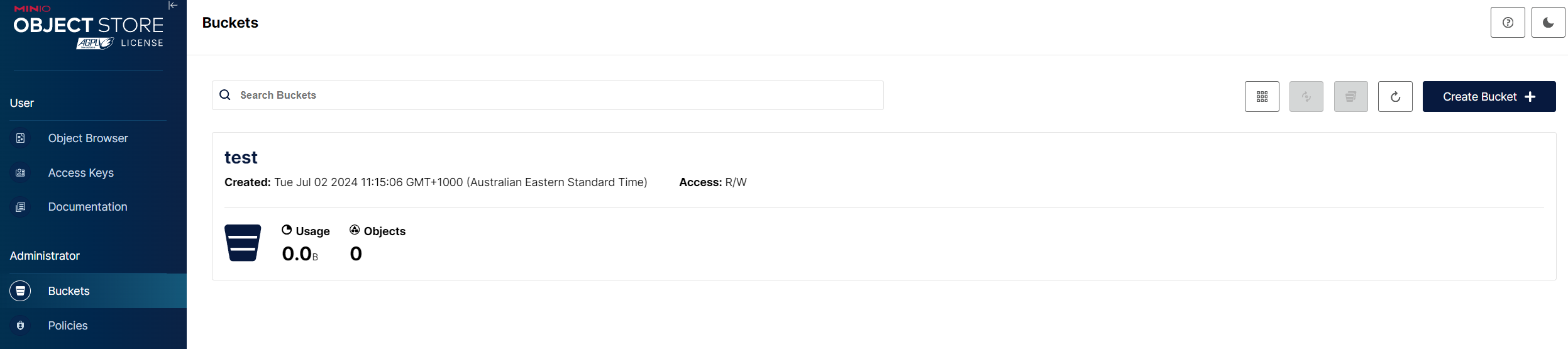
-
Click on the Bucket -> Lifecycle -> Add Lifecycle rule
-
Set the appropriate number of days for the Lifecycle policy. Please note this will apply to the whole bucket unless you specify a prefix, so set the Prefix filter to a given source.
Set to the source name followed by a trailing slash (e.g.
source2/) to age-off objects in that source directory.
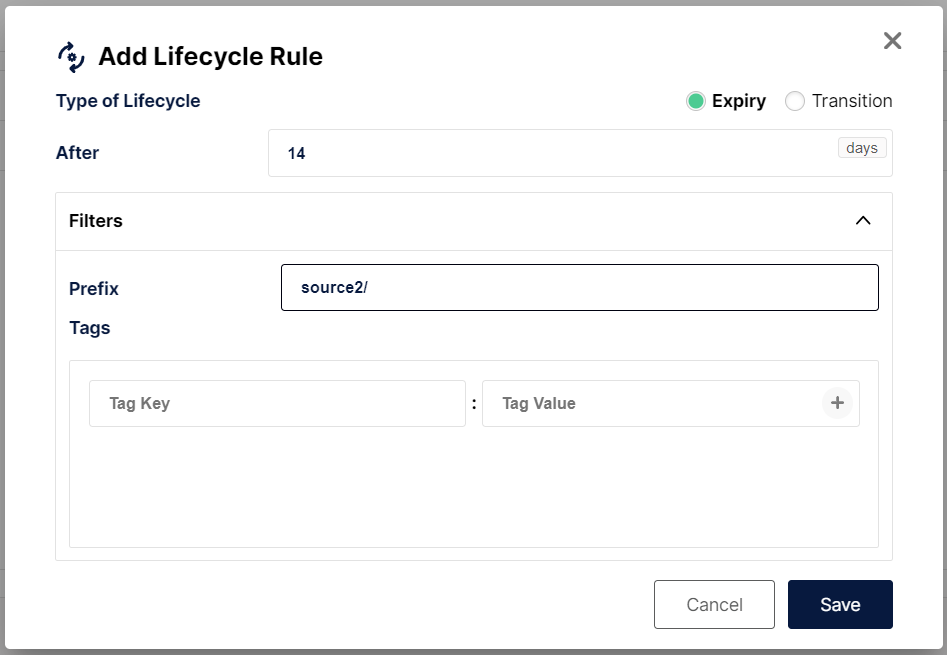
Once you have saved the change, Minio will age off the objects after the specified time.