Malware Analysis
To assist you with malware analysis, Azul has these major capabilities:
- act as storage for malware and suspicious files, including origin of files, point of contact, etc. to aid malware analysts and to share malicious files safely.
- perform automated malware analysis, such as sandbox execution, config extraction and file carving.
- correlate different samples of malware that share similar functionality or c2 information.
In most cases, you can click the '?' icon in the Azul web interface to obtain more information about panels.
Home
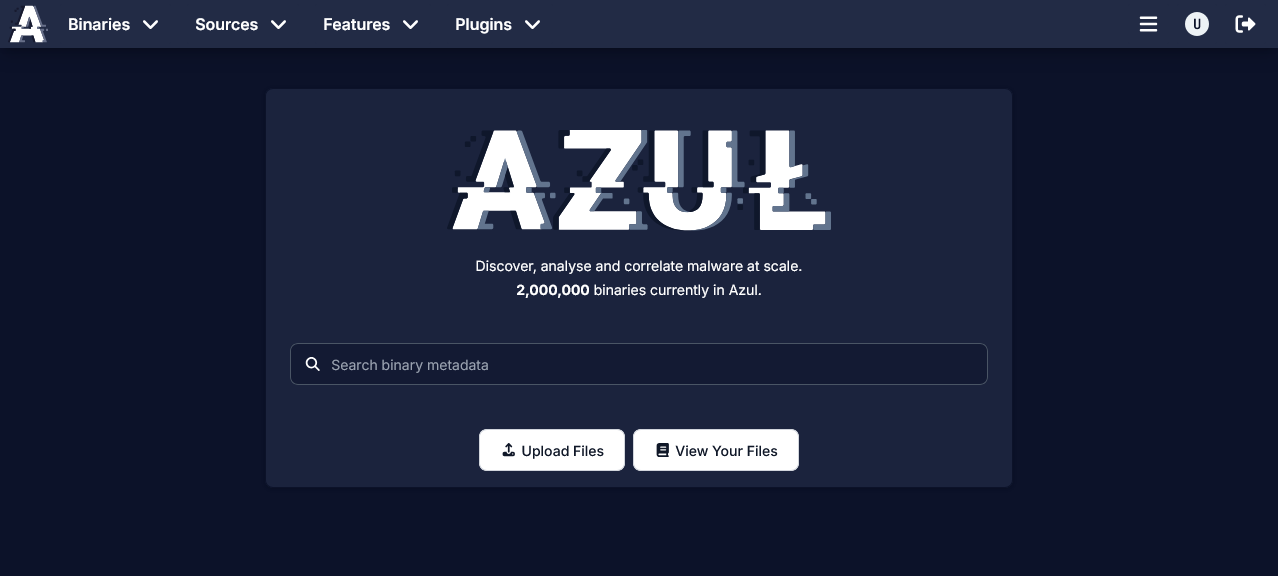
- Links to search, upload and view your uploaded files
Binary
Explorer
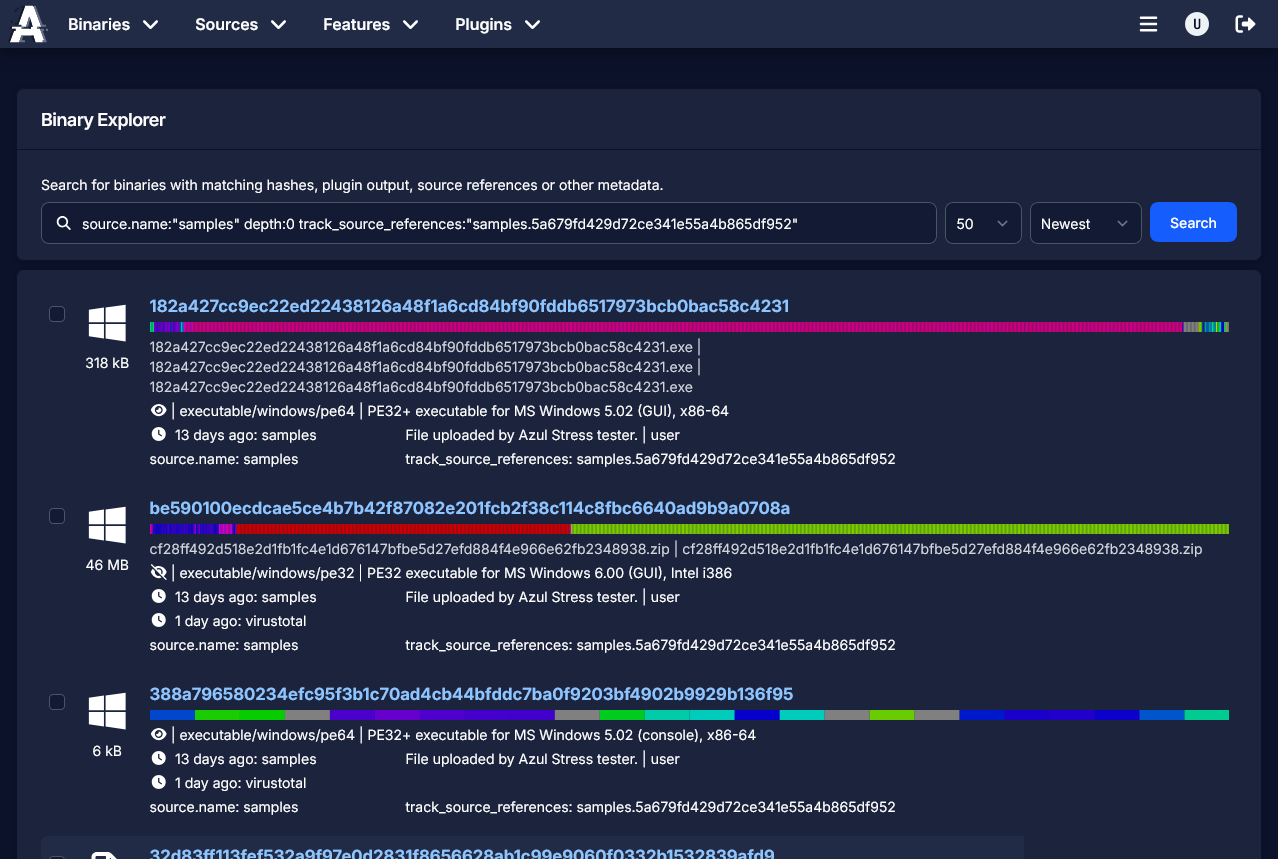
- Use the text box to search for a particular property in Azul.
- Use the 'Add Filter' button to limit your search to a subset of files that must match all of the filters
- Sort results as required
- Up to 50 matches will be found
- You can perform an equivalent search in Kibana to find all matches
Maliciousness
While Azul is excellent at extracting metadata across most file types, it does not produce a score or single feature to identify whether a file is malicious. Sometimes, it is obvious from specific features but it can also be quite difficult to determine and require external context about how a file was utilised.
Azul is focused on being great at extracting features and allowing users to pivot and cluster to similar samples. It currently leaves the role of triaging files to external systems or rule engines that can utilise this metadata as well as other sources of information to make determinations.
Upload
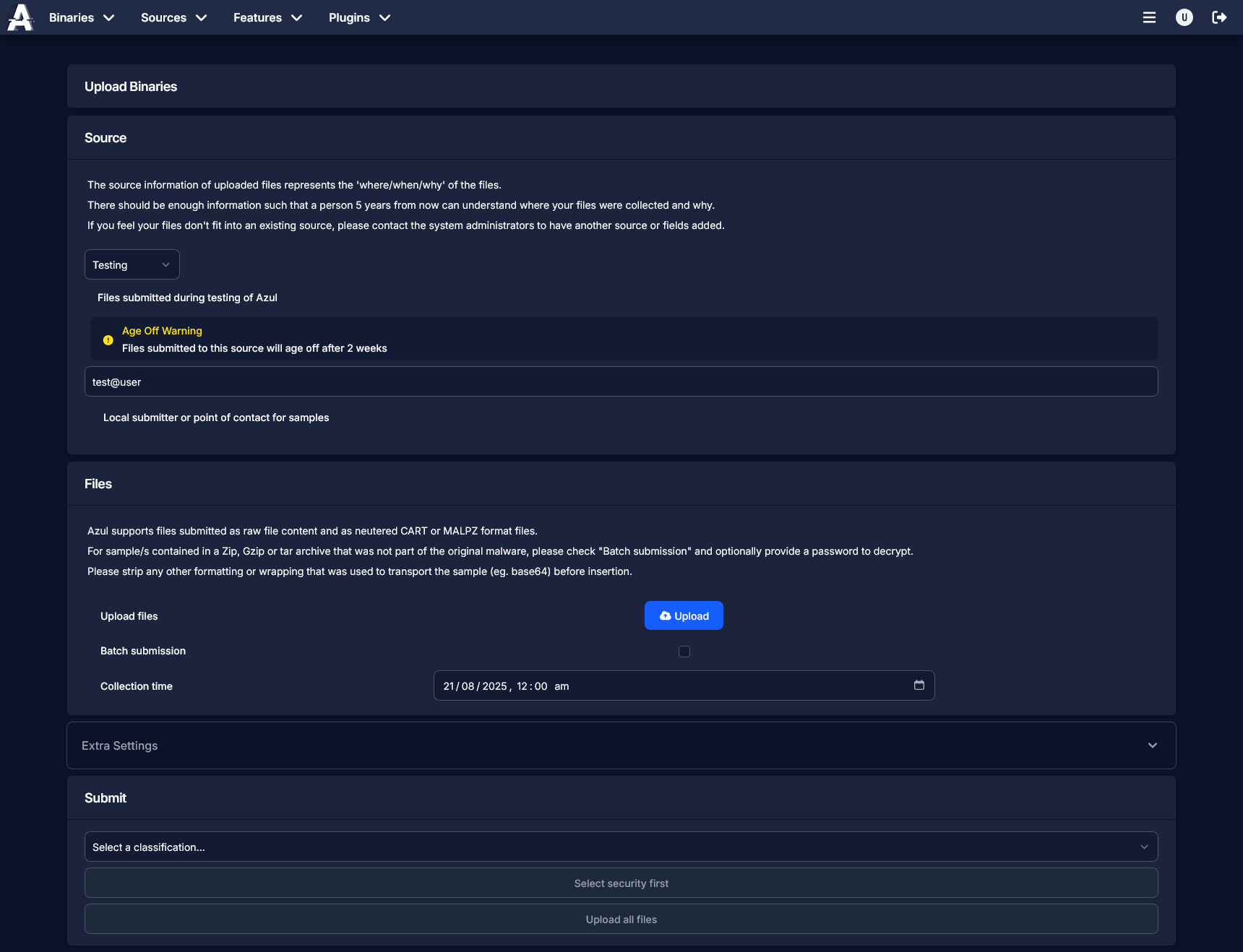
From this page you can upload a small set of samples to Azul into any source.
Check upload_samples for more information
Notes
If you have a large set of samples, you may want to use the Azul CLI.
If you have an ongoing need to automate uploads to Azul, you may want to use the Azul RestAPI to do so. You will likely need a service account to fully automate this.
Tags
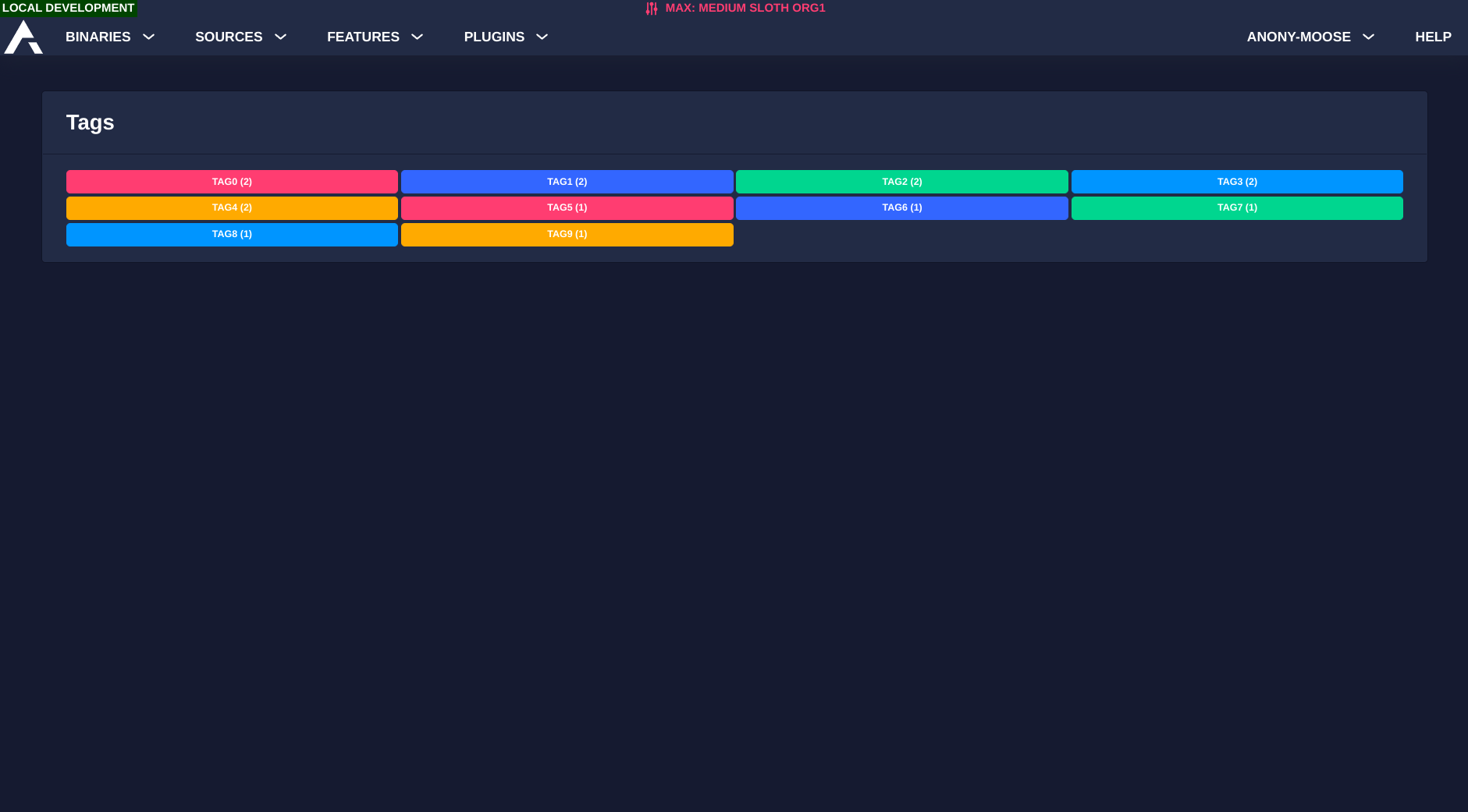
This page will display all tags that are set on binaries in Azul. You can click a tag to be presented with the binaries marked with the tag.
Selected
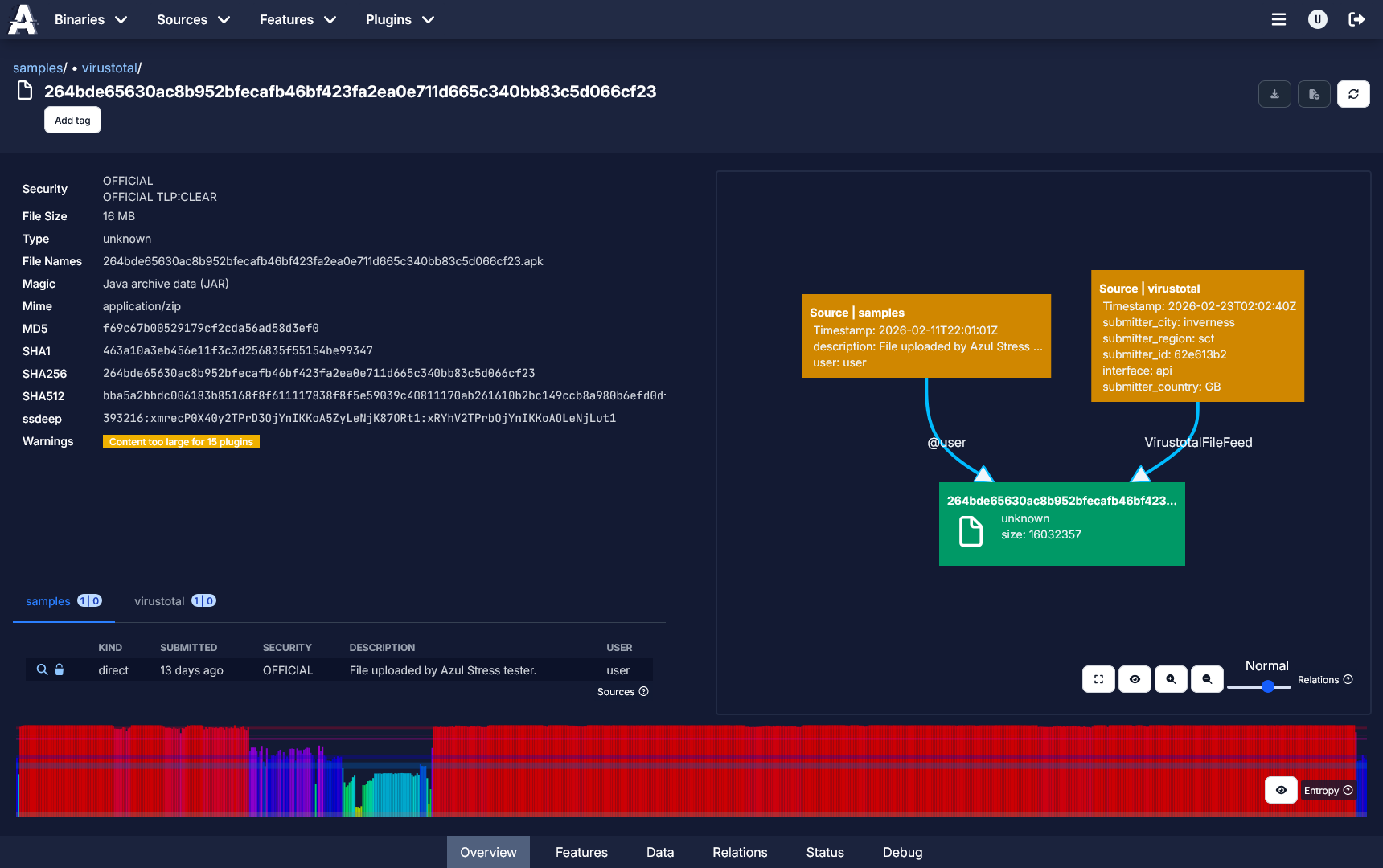
This page will render all known information about the selected binary. Click the '?' icon on a panel to view the help text about the panel's content.
Source
Explore
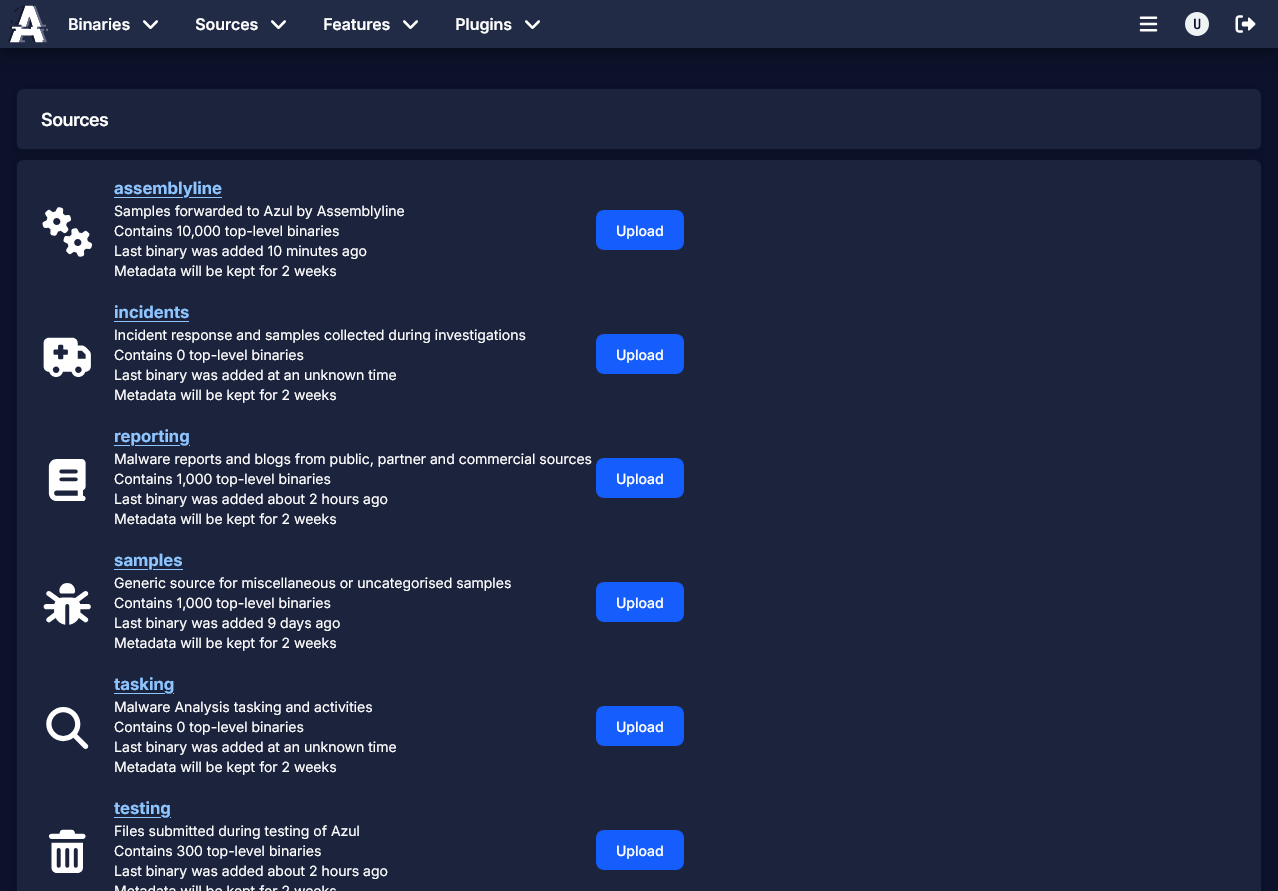
Lists all sources in the system along with the approximate number of entities in each. You can click the upload button to add new files to a source, or click the source name to view information about that specific source.
Selected
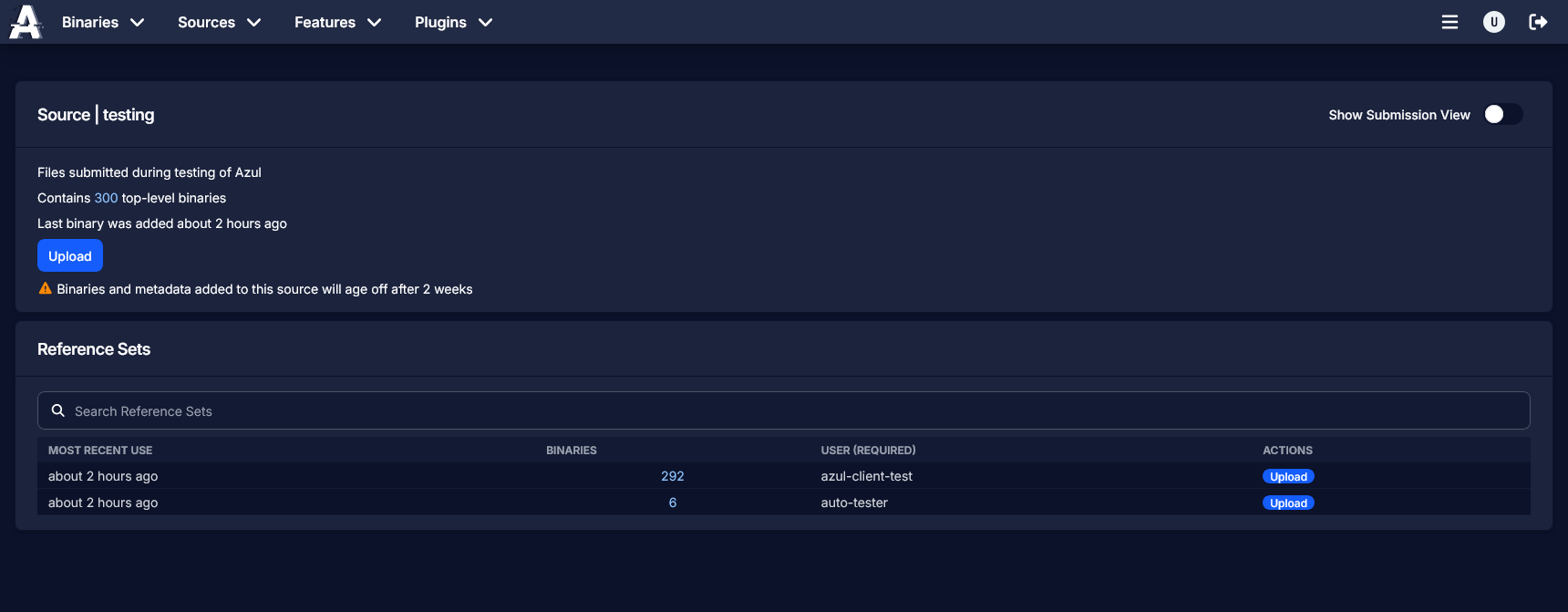
Shows a list of different sets of reference information that was used to upload files. The search bar filters on the reference values of the submissions.
Clicking the 'upload' button on a row in the reference sets table allows you to upload to that source with the same reference data.
Feature
Explore
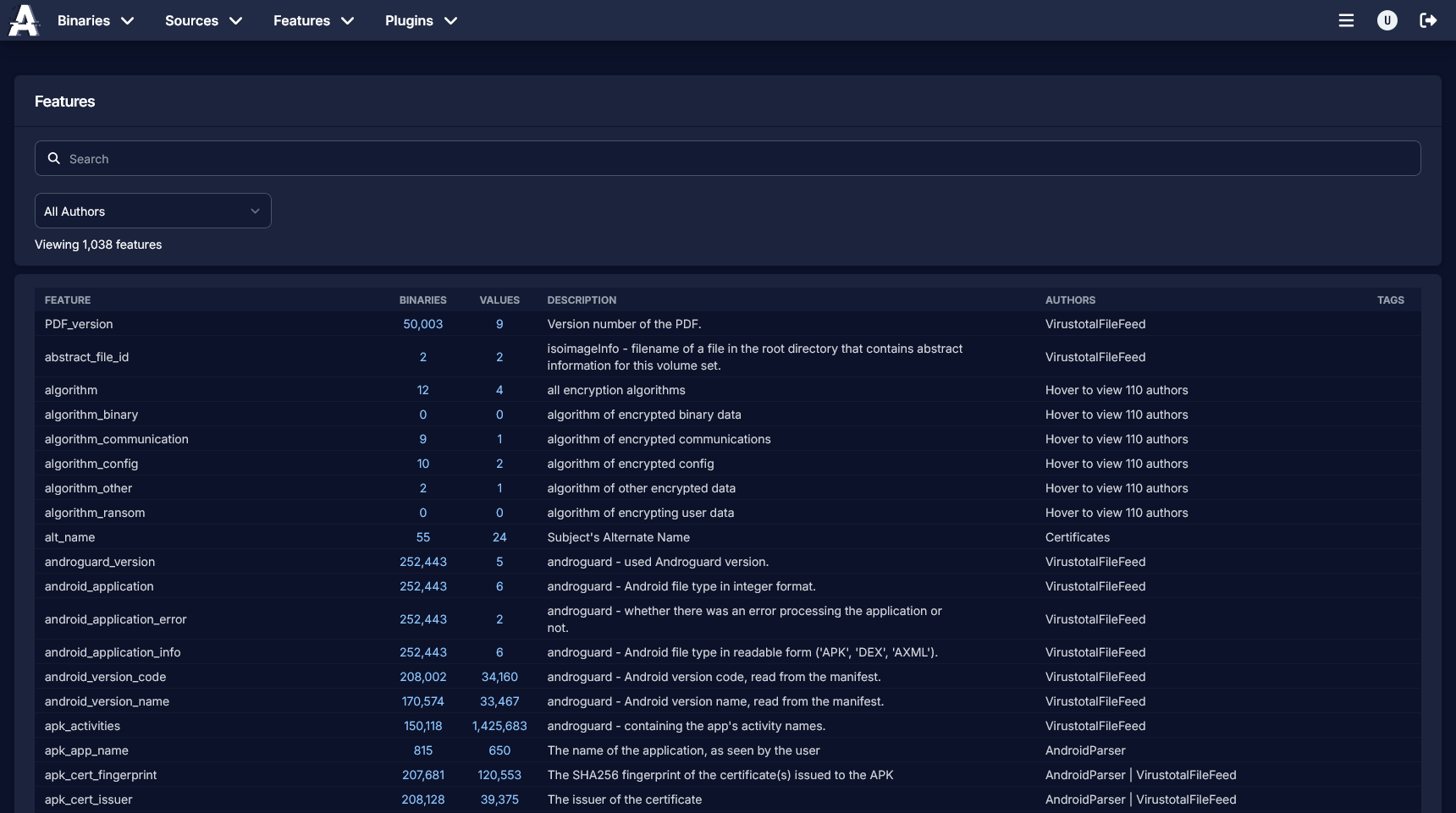
Displays all features that have been registered by Azul plugins, with descriptions and approximate binary and value counts.
The search function will filter based on the feature name and the description of the feature. You can filter on an author and version by using the dropdown menu.
Clicking on the binary count will show a list of binaries that produced a value for the feature.
Clicking on the value count will show a list of values for the feature.
Tags
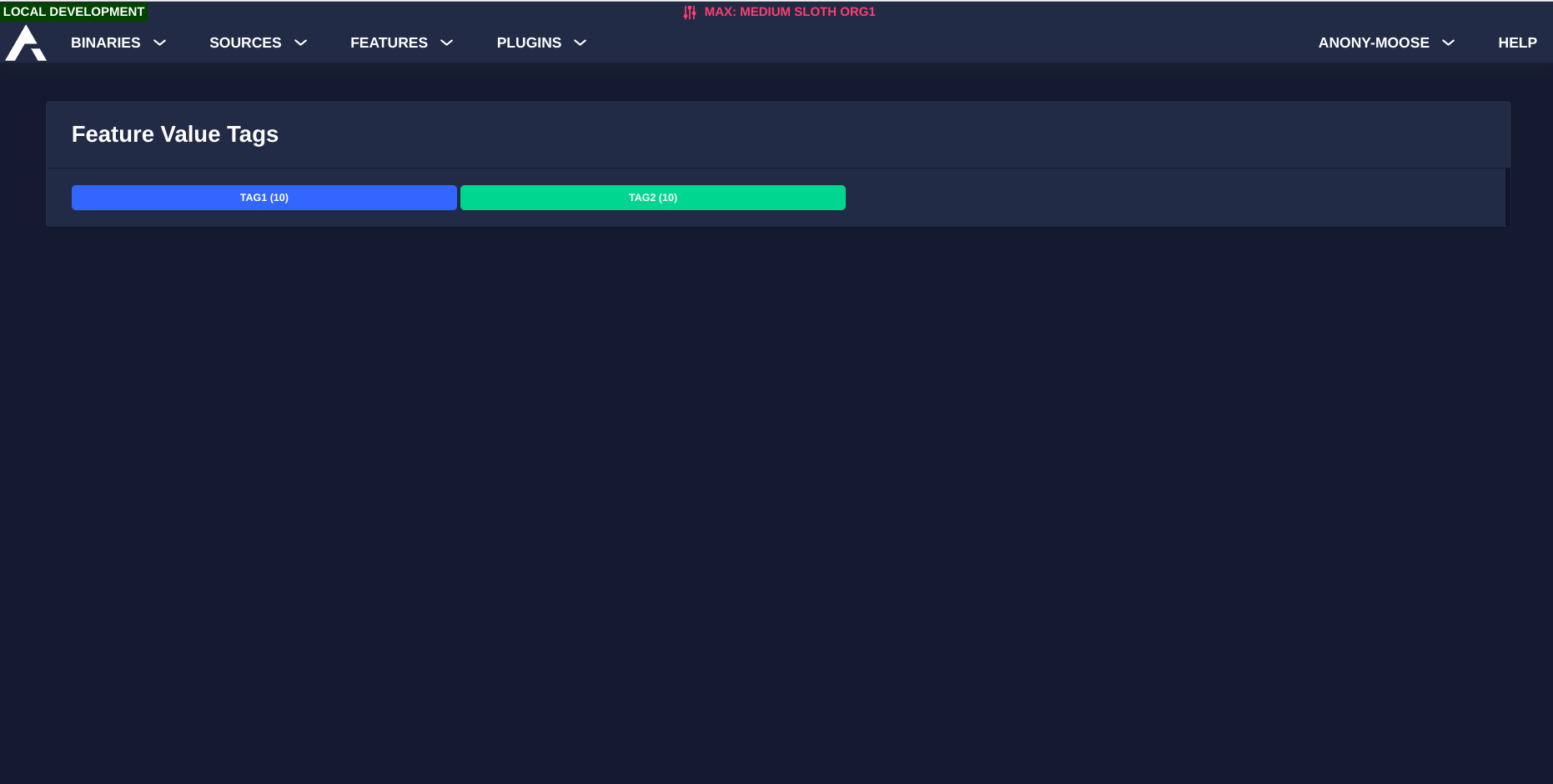
Displays all tags used on feature values. Clicking a tag will allow you to view all feature values that have been tagged. You can remove the tags from specific feature values here.
Selected
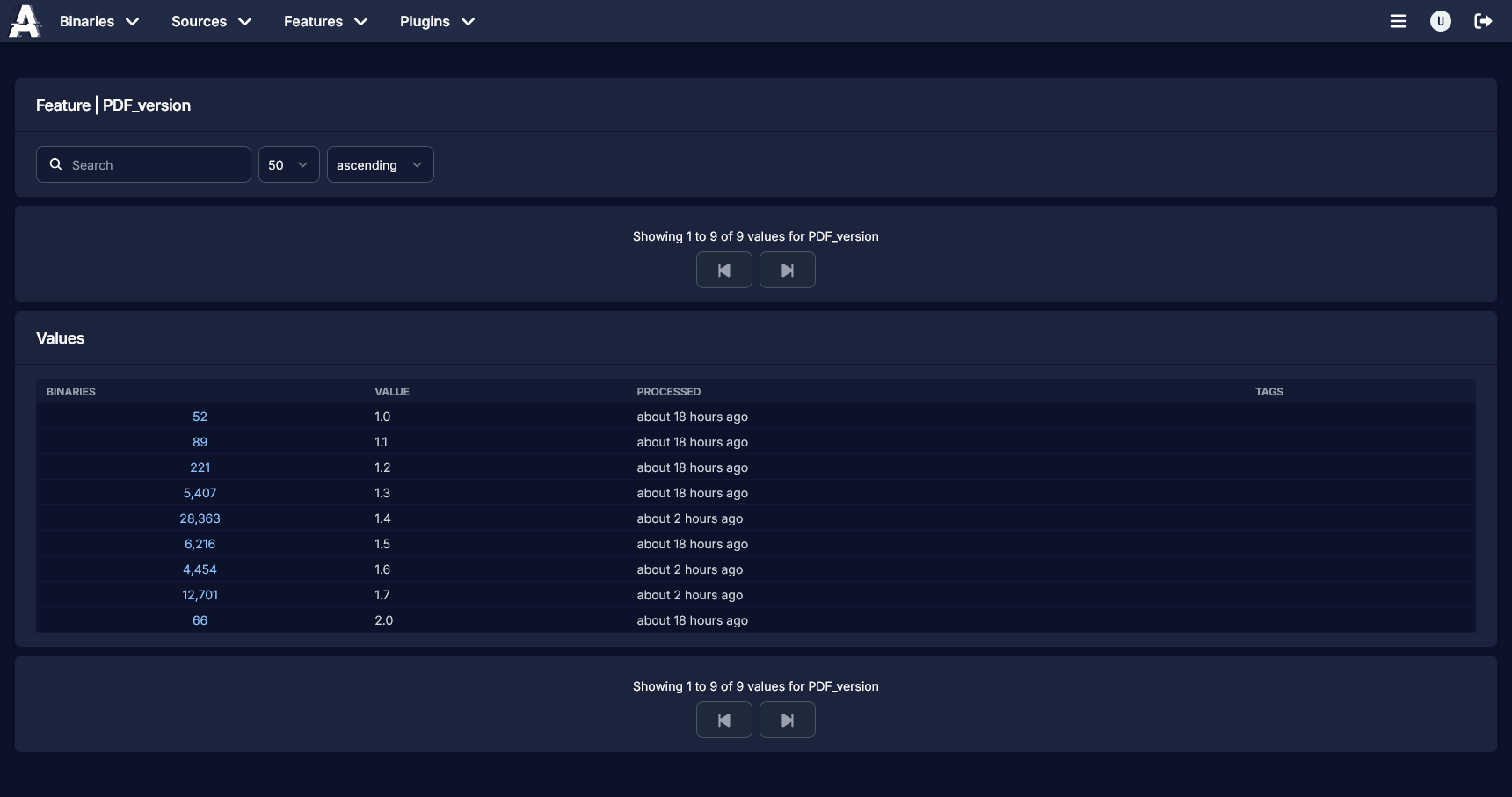
This page shows a list of values produced for the selected feature. You can add and remove tags within this view. You can click the binary count to view all binaries with the specified feature value.
Plugin
Explore
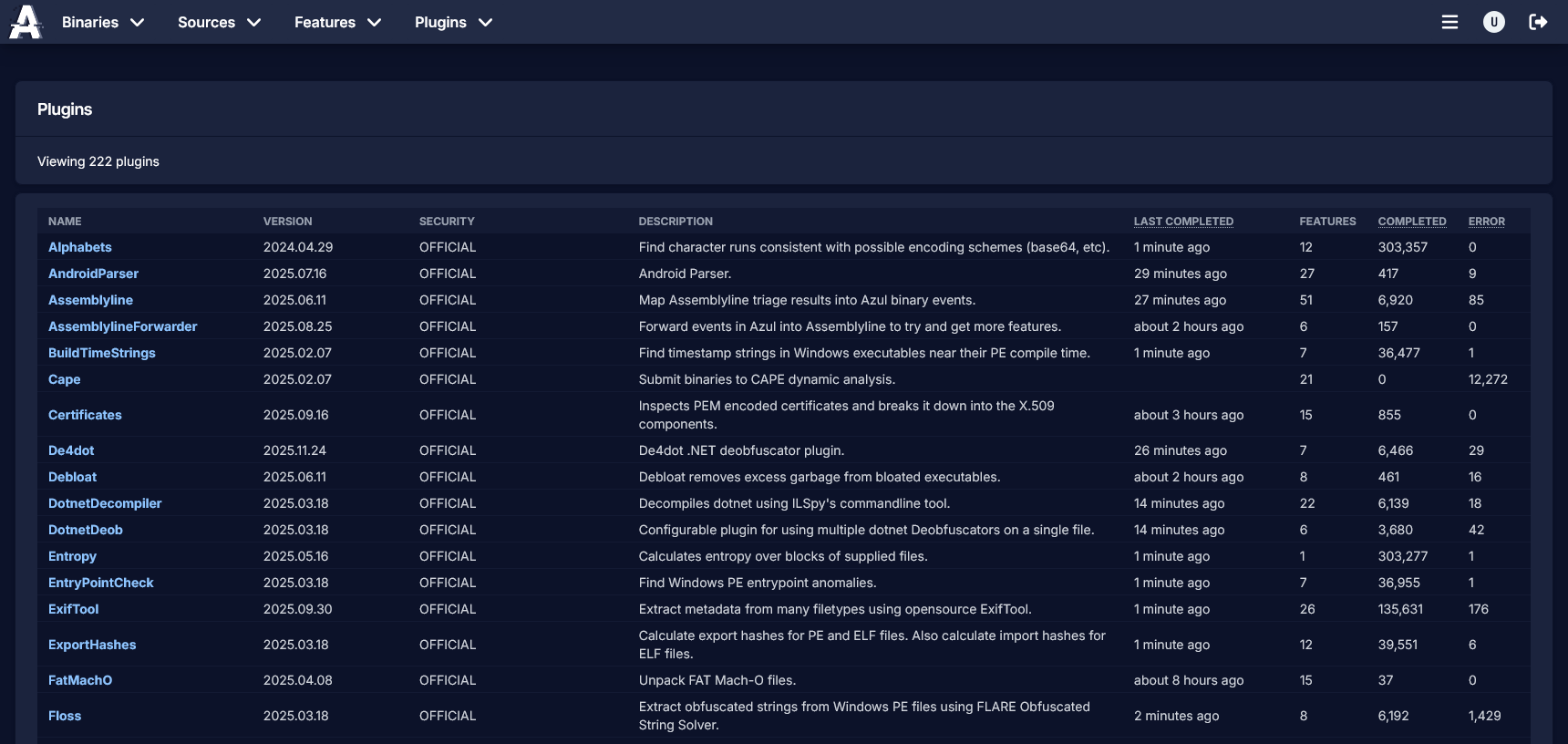
Displays all plugins and all versions of plugins in the system. Click the plugin name to select it for further inspection.
Selected
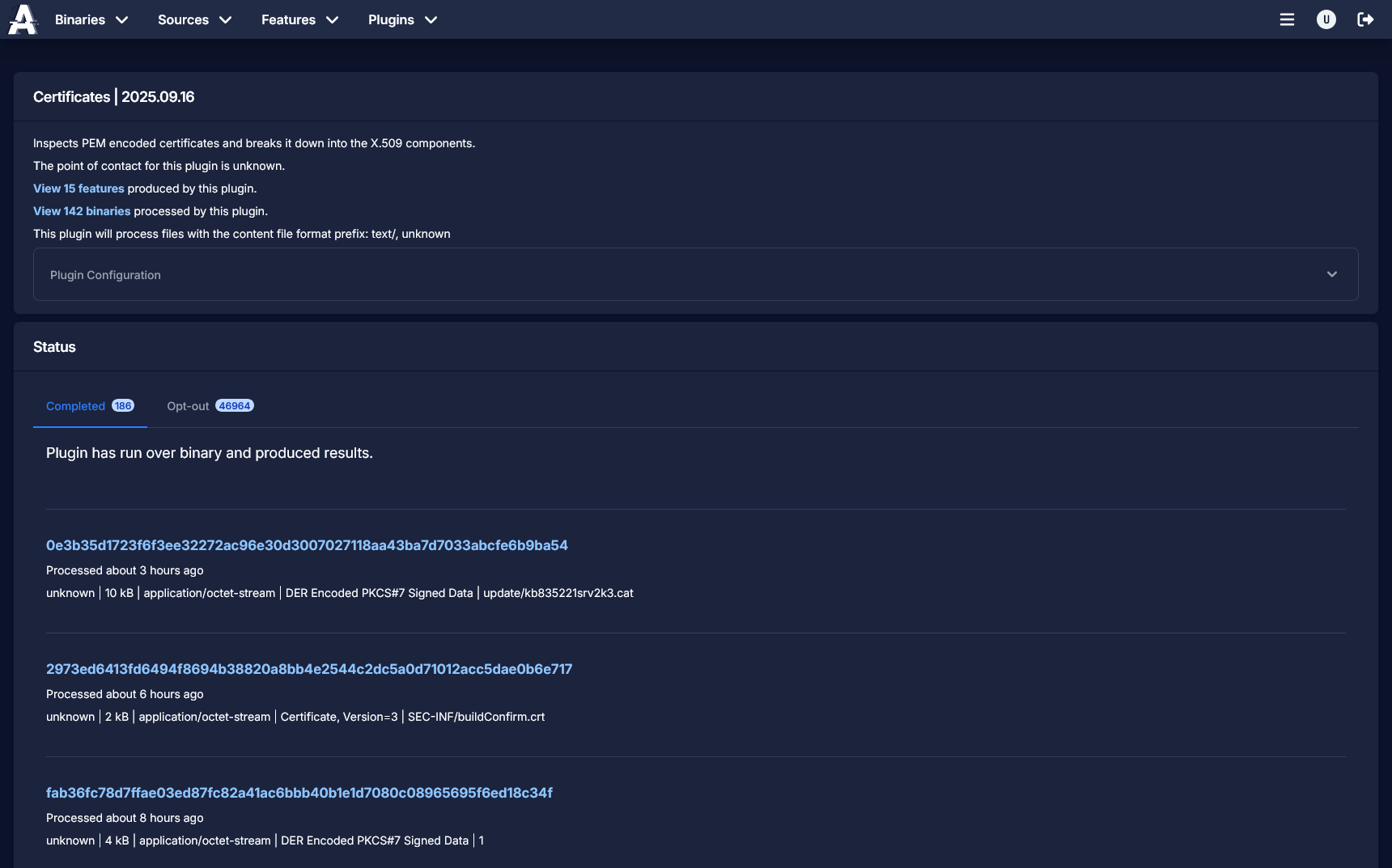
Displays metadata for the plugin including description and configuration.
You can view features produced by the plugin by clicking the link.
You can view binaries processed by the plugin (that produced data) by clicking the link.
Also displays any event messages for the plugin, including error messages.